Thursday, April 3, 2014

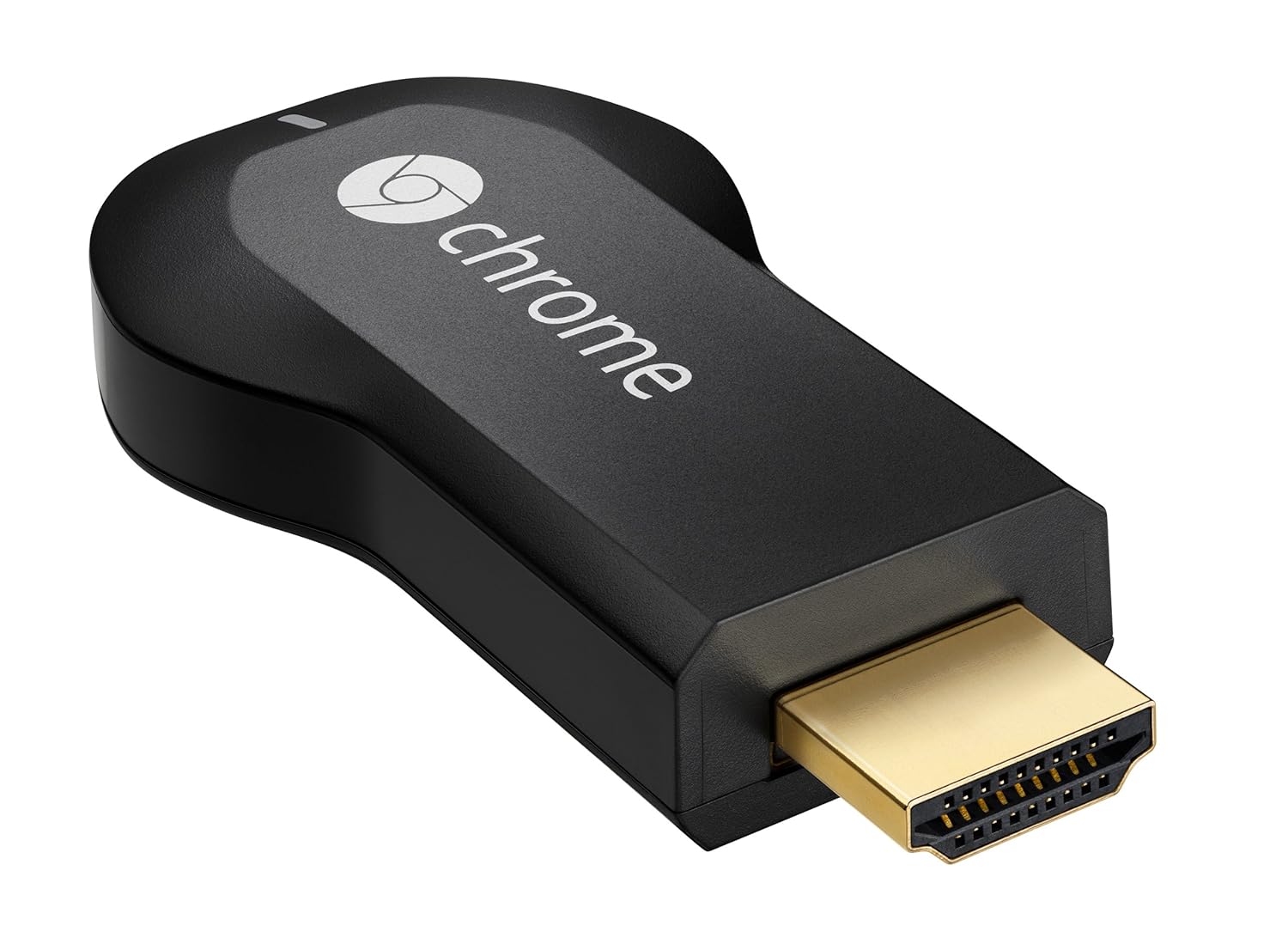
The Chromecast Revolution

I bought one of these puppies for a cool $35 (Australian) when Amazon accidentally made them available to ship to Australia for about a three day period late in 2013. It turned up and I was so pleased with the utility of the thing, I ordered another one. The second order was a little complicated as Amazon shut us Australians down, but it was nothing a good friend of mine who resides in Kentucky couldn't sort out for me.

So I have a Chromecast at either end of the house, and the apps that I use most often are DS Video (as I have a 3TB Synology NAS at the centre of our home network) and in what in my opinion is the most robust solution for those without a Synology NAS, Allcast. Trust me, just don't bother with the other third party video casters. They are rubbish.

Allcast is slowly and regularly (at least one update a week if not several) becoming the most robust and well rounded app for finding your media on the local network and in the cloud, and then casting it to your device.


Thursday, March 13, 2014

Google Warranty Part II

So, Google despatched the new unit, and it arrived in 3 days! Now the reason that is pretty impressive is because they despatched it from Singapore and I live in Melbourne, Australia. That's like 3,765 miles. Give or take a foot or two. I'm sitting here on my porch writing this on my new Nexus 10 waiting for the courier to arrive to pick up my old unit. Thank you very much Google warranties!

Tuesday, March 4, 2014

Google Warranty

My Nexus 10 died! :( What was pretty spectacular though was my experience of chasing up my warranty with Google. I Googled "nexus 10 warranty" and within seconds had a 1800 number (which is a free call in Australia) and after 60 seconds on the phone, I was talking to a real life person. After verifying that the device was dead, I had to purchase a new one, however the money will be held in an escrow arrangement until I get the new one, place the old one in a postage bag provided and it returns to the factory for assessment.

So far so good! I'll post my experience in the next few days.

Wednesday, February 5, 2014

Group text and email on Android

I still can't believe that the Gmail app on Android, in 2014, will not allow you to interact with your GMail groups! It is crazy to think that you need a third party app to send emails and texts to your GMail groups this late in the technology game.

I understand that they are trying to discourage spam masters from clogging the internet from their mobile devices, but there should be another way.

Enter "Group SMS & Scheduler". It's ugly, but in terms of functionality, it is the best one I have been able to find. It still seems a bit of a convoluted process and I live in hope that one day Google will make the functionality available natively. Until then, give this one a crack.

Wednesday, January 29, 2014

Offline Gmail Tizzy

I use Offline Gmail. It is really hand on the train, going through tunnels and underground stations. It works mainly like the full blown website with minimal limitations. You email to your hearts content and when the browser detects a connection, it squirts the emails in your outbox on their way and retrieves your incoming emails from Google's servers. Really nice. No need for an email client.

Yesterday I had to change my password (long story) and it sent Offline Gmail into a bit of a tizzy. Resetting Offline Gmail is a bit of an archaic exercise so I thought I would share the link here with others.

This is what you need to do to unbunch Offline Gmail's panties when they all get in a twist when you do something like change a password on the server.

Saturday, January 11, 2014

Managing your device on Google Play

I just started using Pushbullet (more on that in another post) and it gave me a list of Google devices, one of which I have not used for quite a few months now. I am not sure if you are aware of how to manage your devices through the Google Play store. You can find all the information and instructions you need to manage your devices in the Play store here.


Mashable


One of the news sources that I use had a series of interesting articles. They are behind a paywall so I thought I would seek out the source of their articles.

It turns out it was Mashable. I downloaded their Android app immediately. I use it at least everyday. I have found it to be smooth, simple, elegant and clean. In addition, their articles are great!


Google News Redux