Like the title of this post says! Open your Chromecast app, select a device and click on the "Offers" button. Follow the bouncing ball.
Showing posts with label Chromecast. Show all posts
Showing posts with label Chromecast. Show all posts
Saturday, December 6, 2014

Thursday, April 3, 2014
The Chromecast Revolution
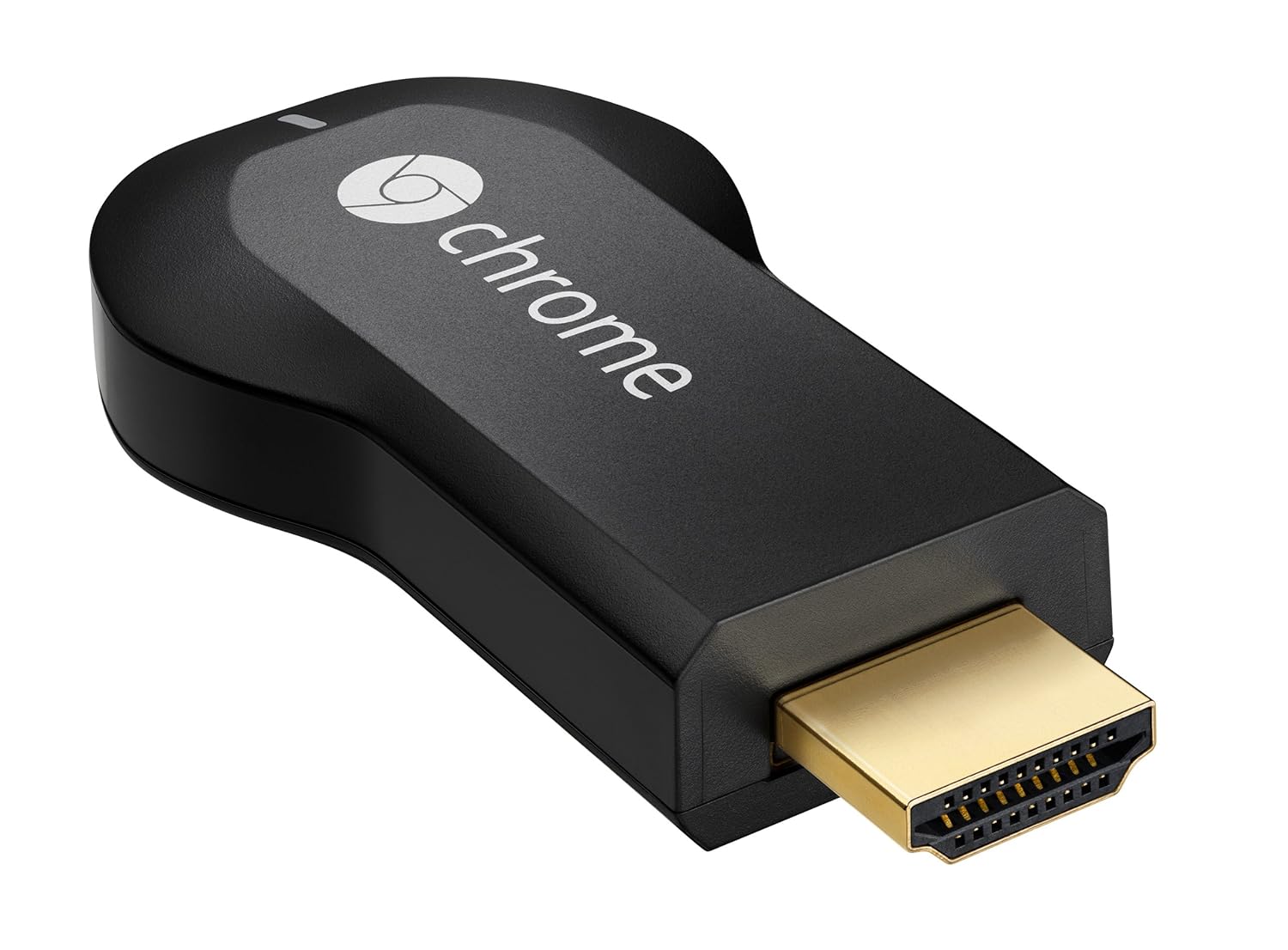
So I have a Chromecast at either end of the house, and the apps that I use most often are DS Video (as I have a 3TB Synology NAS at the centre of our home network) and in what in my opinion is the most robust solution for those without a Synology NAS, Allcast. Trust me, just don't bother with the other third party video casters. They are rubbish.
Allcast is slowly and regularly (at least one update a week if not several) becoming the most robust and well rounded app for finding your media on the local network and in the cloud, and then casting it to your device.
Subscribe to:
Posts (Atom)

-
I have been using Pocket (formerly "Read it Later" as my go to collecting app. If you are unfamiliar with Pocket, it acts as ...
-
 When it comes to GTD, after a year and a half of finding the ultimate solution on Android/Windows, I have settled for Nirvana HQ . Nirv...
-
So, probably the first app I ever tried to manage tasks on Android was GTasks by Dato. It synched with Google Tasks and worked a treat. Pr...
