Monday, February 26, 2018

With a Pixel 2 and a Kindle Paperwhite...

I am heading into the local hospital for a routine procedure. They recommend that you do not take anything of value into the hospital with you, so no Pixelbook for me!


I am however going to take my trusty Pixel 2 and my Kindle Paperwhite as both devices are covered by my insurance arrangements so no stress there. It is an overnight stay and I have a little bit of work that I need to do, so it will be interesting to see how much I can get through with a couple of devices. I suspect that reading will be the main game due to all the waiting, sitting around etc, so let's see how productive I can be with the two devices.

Tuesday, February 20, 2018

Buffer App breathes life into Google+ once again

I used to use Buffer once upon a time. (In a future blog post I will talk about how I figured out how to get the best out of scheduling.) In short Buffer allows you to queue posts to various social media platforms and release your content using a reasonable powerful scheduler. The free account has a significant number of features.
I tend to use Facebook because I have to rather than because I want to. As an educator who does a bit of public engagement work, I tend to use Facebook and Twitter as communication tools rather than social tools. For social stuff, I prefer to use Google+ (queue "fan boi" accusations!)

In a previous life Buffer only allowed you to post content to Google+ "pages" attached to your account rather than to your personal feed. Some time between the last time I used Buffer and the most recent time, this has changed.

So now with Buffer, I can schedule more professional stuff that is pushed out to Facebook, Twitter and Google+ personal page, and then push the more personal (often geek humour) out to those platforms as well. In addition, I can schedule stuff to be pushed out to my Google+ personal page too which is really nice.

So I got back on the Buffer bandwagon after an hiatus and am enjoying it once again.

If you haven't checked it out for a while, it might be worth a revisit.

Wednesday, February 14, 2018

I just may cancel my Audible subscription.

Long time Kindle customer. So much so I went and bought a Kindle Paperwhite edition last year (with the gift voucher from the inlaws). It was a natural extension to become a regular Audible customer with Whispersync between the Kindle and Audible. Besides, the golden bullet for our family in terms of how to keep the kids from beating each other up on long car trips has been audio books (thank you Rick Riordan!).

I have been recommending Altered Carbon to any sci fi fan who would sit still long enough to listen to me rave about how it is the second best sci fi book ever after Neuromancer by William Gibson. Ok maybe third after Thirteen/Black Man by Richard Morgan. When I heard that Altered Carbon was to be given the Netflix treatment I thought I should read the book again. I flicked through the Kindle store and inbetween pulling the trigger on purchasing the Kindle edition and deciding whether I wanted the Kindle or Audible version, I received an email from our public library informing us that Libby was now available to users.


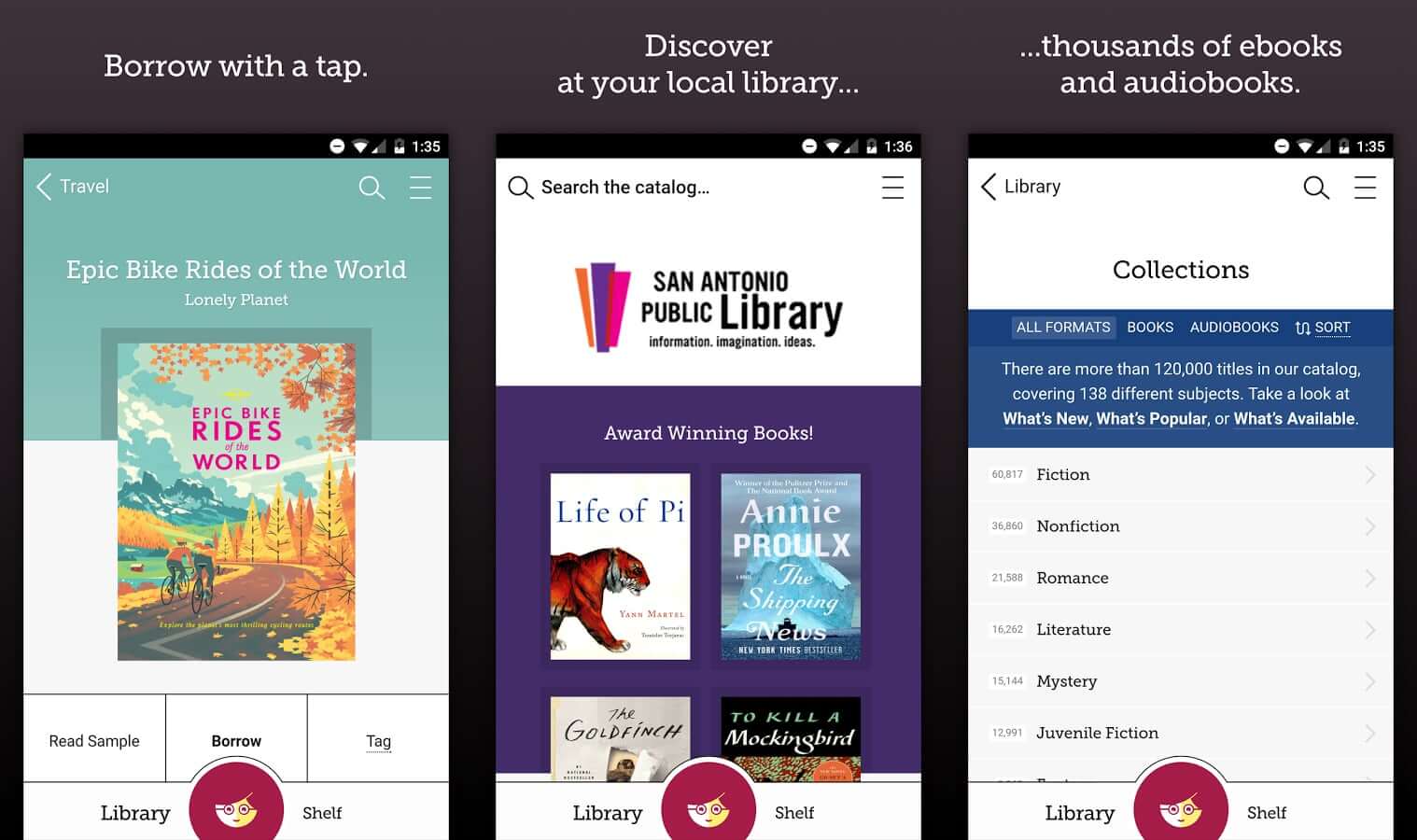
Libby is brilliant. It is like the Kindle and Audible apps combined. You simply log in with your library card number and pin number (make sure you have that set up with your library before you do try and log in) and you are away. Search for books, loan them, make loans and viola, your Kindle/Audible bill will be slashed considerably. And like me, you may find yourself seriously considering cancelling your Audible subscription!

Thursday, February 1, 2018

Rocking out with Dynalist

So I am on the cusp of some major changes. I am moving into masters thesis mode and also in the throes of formalising much of the coaching and mentoring that I do. It was ironic that my passion for old fashioned pen and paper role playing was the avenue through which my latest discovery regarding how I can organise my thesis writing and mentoring related notes in order. Enter Dynalist.

If you have ever used Workflowy, Dynalist is Workflowy plus all the nice things you wished Workflowy had.

For those of you who do not know Workflowy or Dynalist, to quote Workflowy's own blurb:
organizational tool that makes life easier. It's a surprisingly powerful way to take notes, make lists, collaborate, brainstorm, plan and generally organize your brain
Imagine an online (with offline apps) WYSIWYG editor that makes collapsible lists using powerful word processing functionality, that can also be taggable and lends itself to (check)list making.

The limitations I found in Workflowy that are rectified in Dynalist are:

  1. The ability to very easily (compared to Workflowy) embed links in your text but more importantly embed links in your text to other parts of your writing. Indeed when you use the double "[[" function, Dynalist presents a search box and you can easily find the part of your own document to create a link to.
  2. MULTIPLE DOCUMENTS! Workflowy forces you to work from one ginormous document. Dynalist allows you to create separate work spaces which, even though you can simulate this is Workflowy, I just feel a little more psychologically free in Dynalist.
It may seem petty that two simple functions serve as a deal breaker in my mind, however once you use Dynalist's tagging function, everything else seems archaic in comparison.

In addition, these features also were significant in my move...
  1. Offline apps.
  2. Platform agnostic (I am working from a Google Pixelbook and Nexux 5X phone with occasional Windows 10 PC use, nothing I can't do on the Pixelbook though, just nice to work on a huge screen occasionally).
So I have set up a huge document to manage a Star Wars role playing game that I will be running for my sons. The ability to hoover up information and rapidly organise it in Dynalist made me start thinking about my thesis and then of course my thinking tumbled into taking my mentoring more seriously as I move to organise it a little better.


If you are on the cusp of an organisational revolution, check out Dynalist.

Oh, did I say that the vast majority of the awesome tools are available on the free version!?

Monday, January 22, 2018

The most used Pixelbook app this week is...

Gmail. The Pixelbook (obviously) comes with Chrome OS. By default, you get Offline Gmail (check out this and this if you didn't know you could use Gmail offline in your Chrome browser and you want to learn how) in Chrome OS and the Pixelbook comes with a shortcut link.

However, as cute as offline Gmail in Chrome is, I am just used to using the Gmail Android app on the Pixel C.

So this week, whilst I am technically back at work, not everyone else that I need to interact with as part of my current working arrangements are, so I am emailing away like a champion and using the Android app to do it. Maybe I will revisit Offline Gmail, but for now, the winner is Gmail for Android.

Wednesday, January 17, 2018

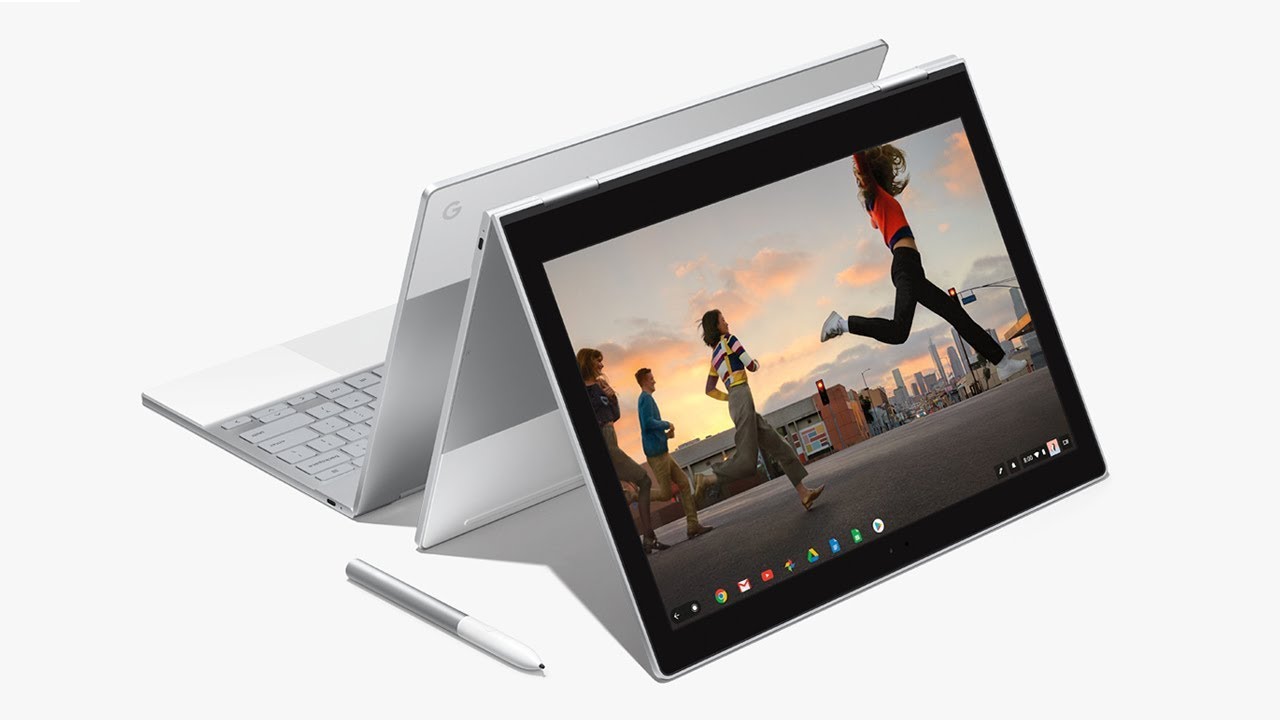
The Pixelbook has landed for a happy new year

What a debacle it took me to get this Pixelbook! (Which I am finally on, YAY! More on that in a second.)

For some reason, back in November of 2017, Google were not delivering Pixelbooks to Australia. So I had to get a US based friend of mine to do the old "send it on" for me. The great frustration was that when FedEx failed to deliver (to an apartment in downtown San Francisco occupied by four people!), they sent it back to Google.

Google then organised a new delivery as part of the insurance coverage which I ordered on the original device which was cancelled because of their screwy ordering system. When the insurance replacement device arrived, Google had to organise to pick it up (so the third device which was part of the second order) could be dispatched. Except, Google could only order a pick up from my Australian address!

Long and short of it was the device I ordered in November arrived in the second week of January. What a chore!

BUT, it is here and I am loving it.

I will keep this first post of the new year short.

CONS:

  • It is heavy. Heavier than the Pixel C.
  • Bending it into "tablet mode" still feels a little cumbersome and unnatural (ie: holding a tablet with keys on the back of the tablet.
PRO's: Where do I start?

  • The "on in seconds" feeling is great. Two seconds and I am working.
  • Android apps on Chrome OS is amazing, and I hate the hipster use of "amazing" and "perfect". The implementation of Android apps is close to flawless. Which means my significant investment in Android apps over the years is not lost in the transition to the Pixelbook.
  • The hardware is such that my Mac lovin friends are like "wow". However it is not excellent because it makes people envious. Google have really thought through the design of this thing. It looks great, it feels great to use. The keyboard, the track pad, jacks and slots, nothing short of excellent quality.
  • Split screen? Apparently split screen is coming to Chrome OS on the Pixelbook, however I just don't need it. I mainly use Android apps and most of them when resized appear as thin panels. I can have several open at a time. It is actually more productive than the Pixel C in split screen.
  • OS is fast, zippy and super solid.
That is my short summary so far. I will write more about this in the next few weeks but needless to say, really impressed and really happy with this new kit.

Let us know about your Pixelbook experience and of course, if you have any questions, just ask!

Monday, December 18, 2017

Fix for broken wifi tethering on Google phones updated to 8.1

Hi all, just wanted to post a fix for the broken wifi tethering on Nexus devices post the 8.1 update.

This is from the offical Google big thread found here: https://issuetracker.google.com/issues/68450197
After changing the APN Type string from 'default, supl' to <blank> for the internet APN in mobile network settings tethering unexpectedly works again. Not clear how these settings got there (part of the 8.1.0 upgrade?), but it works for now. Just for the record: This was on Australia's Telstra network.

Google News Redux